.
The composers (post, DM, article, card) which used to open in a modal had a UX issue that it blocked the rest of the UI until you finished composing. This update brings some changes on how you can use the composer in a better way, the modal header now has three buttons, a minimize button, a dock button and a full page button which allows you to compose your post while simultaneously keep using the app.

The docked view is very similar to how most email UIs let you work on composing a new email while working on other things.

minimized:

The full page view however maximizes the composer to full screen(not to be confused with zen mode which hides everything except for editor area and formatting toolbar).
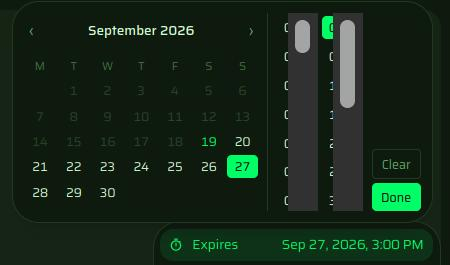
The composer UI has also undergone some changes to reduce clutter, the options (schedule, expiry, location, encrypt etc.) now reside in a dropdown beside the post button

The post is autosaves as draft 5 seconds after idle with a header notice indicating the same.

The DM composer has an additional(optional) BCC field allowing you to send the same DM to multiple people as separate messages.
The toolbar also now uses a minimal look by default and can be expanded for extended syntax options.